How should futureland.today look to you? Slide through the years. Each look is tried on as it comes to the middle.
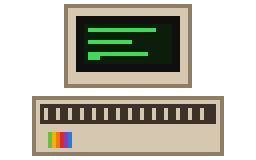
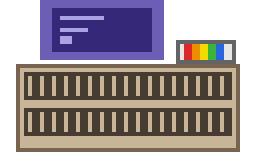
Apple ][ (1977)
Apple II
The Apple II palette on black, in a DEC terminal face with CRT glow.
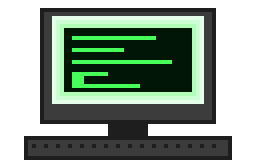
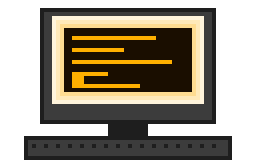
Green Machine (1978)
Green phosphor
A one-colour green phosphor terminal with a live CRT glow, in the IBM VGA face.
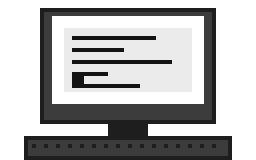
Paper White (1979)
White phosphor
A one-colour white phosphor terminal with a live CRT glow, in the IBM VGA face.
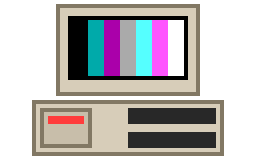
Big Blue (1981)
CGA
Sixteen CGA colours and hard edges: the IBM PC look. The board default.
Breadbin (1982)
Commodore 64
The Commodore 64 palette, light blue on blue, in a chunky 8-bit face with CRT glow.
Amber Glow (1983)
Amber phosphor
A one-colour amber terminal with a live CRT glow, in the IBM VGA face.
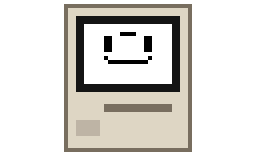
Macintosh (1984)
Classic Mac OS
Black on white with pinstripe title bars and Platinum tabs, in Chicago or Geneva.
Workbench (1985)
Amiga Workbench
Amiga Workbench 1.x: blue and white with orange, dithered title bars, in an Amiga face.
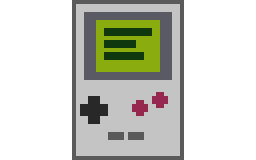
Dot Matrix (1989)
Game Boy
Four shades of green in a chunky 8-bit face.
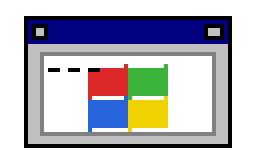
Program Manager (1992)
Windows 3.1
Grey chrome, navy title bars, raised buttons and sunken text boxes, in MS Sans Serif.
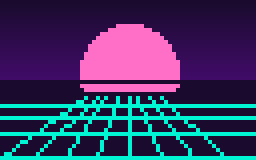
Mall Sunset (2013)
Vaporwave
Pink and teal, gradients and sunsets, in a rounded face.
Daylight (2023)
Modern light
Paper white, rounded cards and soft shadows, in Inter. Plain and readable.
After Dark (2024)
Modern dark
Soft greys, rounded cards and shadows, in Inter. Easy on the eyes at night.
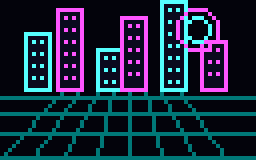
Neon Grid (2049)
Neon
Deep space with cyan and magenta glow. Dark, bright at the edges.
This browser remembers your choice. Once you log in or sign up, Settings > Appearance lets you change it any time, with more options for readability and customisation: the typeface, the text size, and the CRT brightness on the phosphor looks.